Same room. New floor.
Pick a floor, a wall, a finish — Stanza House re-renders your photo and itemizes the cost by area.
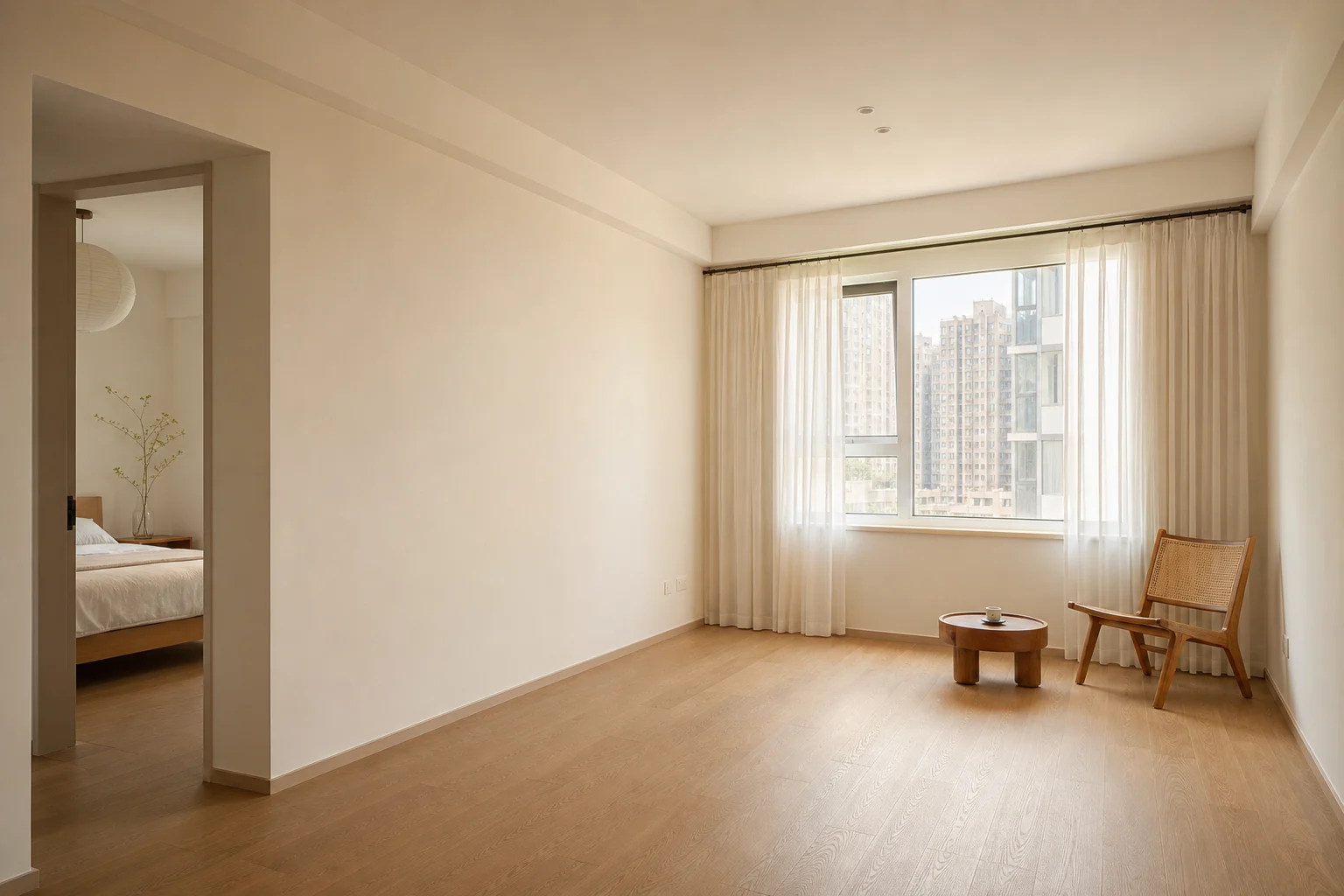
Floor underfoot
Wall the backdrop
Swap surfaces in three taps.
Restyle keeps every wall, window, and proportion. Only the materials change — and the cost is itemized by area.
- 01
Surface detection
AI maps each wall and floor surface in your photo and estimates square footage on the fly.
- 02
Pick real swatches
Tap any floor or wall swatch from the library below — every one is a sourceable retail material.
- 03
Render + itemized total
AI re-renders the room with the new materials and totals each line by area — not by guess.
Same room. New surfaces.
Restyle isn't a redesign — your layout, light, and proportions stay exactly as shot. Only the surface materials change. That's why the cost is predictable.
- Camera angleWe re-render from the exact perspective you shot.
- Walls + windows + openingsArchitecture is preserved, not restyled.
- Room proportionsSquare footage and ceiling height match your space.
- Existing furnitureFurniture stays put — Restyle is about surfaces, not pieces.
- Floor materialSwap to oak, walnut, marble, concrete, and more from the picker.
- Wall paint / finishRepaint in real retail colours — bone, sage, peach, butter, and more.
- Trim + skirtingCoordinated automatically with the floor and wall picks you make.
- Cost · by areaMaterials priced per area. See the pricing page for current rates.
Asked about Restyle.
Are these the only materials I can pick?
Today, yes — these four floors and four walls are what we ship with. We add new materials when supplier coverage is reliable for that material.
How is the area for pricing calculated?
AI estimates visible square footage from your photo perspective. Final invoice is calculated by your contractor against the real space — Restyle gives you a starting number, not a quote.
Will the rendered colour match the real material?
Very close, but lighting in the render is approximate. For final colour matching, order a physical sample from the supplier — every swatch links to one.
Can I share a render with my contractor or partner?
Yes. Every render gets a clean share link. The recipient sees materials, area, and total without needing an account.
How does drag-to-compare work?
After rendering, drag the divider left/right to slide between the original photo and the restyled version. Works on touch and mouse.
Are uploaded photos used for training?
No. Your photo is used only to compute the render and area, never to train the model.
Swap a floor. See the cost.
Drop your room photo, pick a swatch, share the render. Free to look.